A Pad for Every Hand: Card-Terminal Accessibility in Bristol Shops
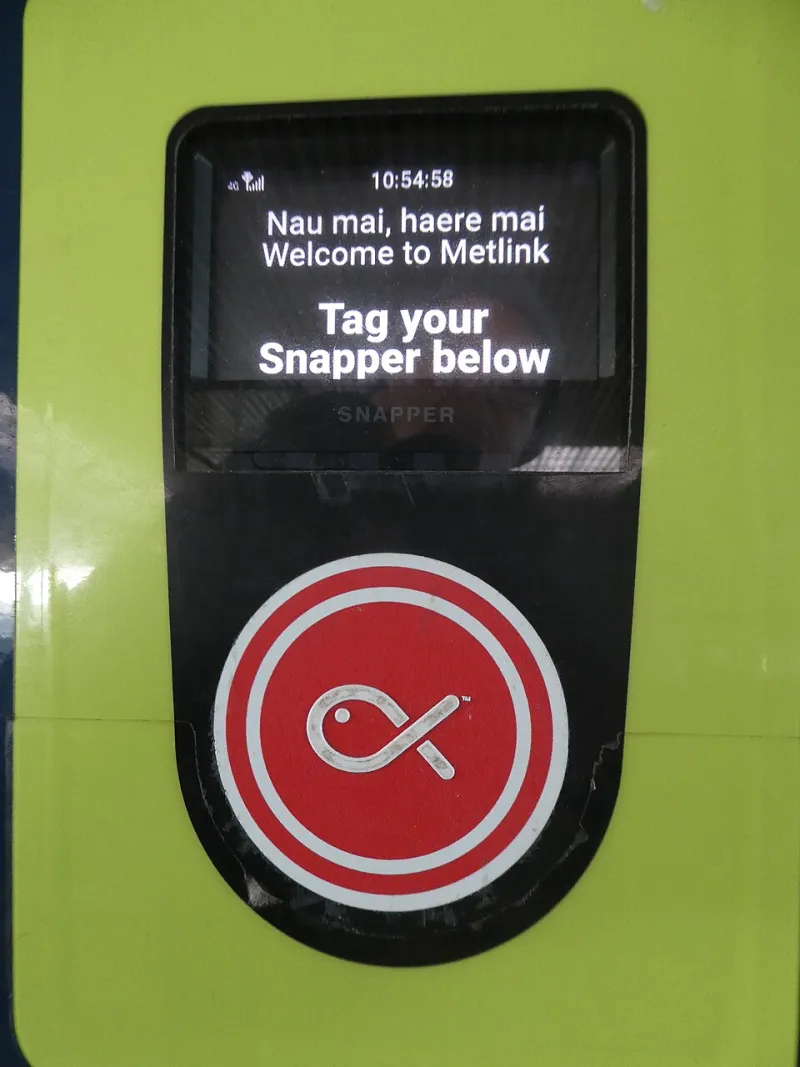
Photo: Wainuio, CC BY-SA 4.0, via Wikimedia Commons
At the till, the card terminal is often the last physical object a customer touches before leaving the shop. If it is mounted too high, angled away, tethered too short or placed beyond a wheelchair user's reach, the transaction can fail for reasons that have nothing to do with the customer's bank. For Bristol independents, where counter space is frequently tight and buildings are often older, accessibility is easily overlooked. Yet the payment point is also a point of service: making it usable for more people reduces failed transactions, shortens queues and encourages return visits.
The legal and commercial case
Under the Equality Act 2010, businesses providing services to the public must make reasonable adjustments for disabled customers. A card terminal that cannot be reached, seen or operated by a customer with mobility, visual or dexterity needs is part of that duty. The obligation is not limited to wheelchair users. It extends to people with arthritis, tremor, low vision, hearing loss, temporary injury and conditions that affect stamina or balance. A parent holding a child, a customer with a walking aid and an older shopper with a stiff wrist may all benefit from the same adjustments.
The commercial case is equally direct. A customer who cannot reach the terminal may abandon the purchase, ask a companion to pay or leave embarrassed. In a small shop, that failed interaction is visible to everyone in the queue. Bristol's independent retail and hospitality sector competes on service rather than scale, and an accessible counter supports that reputation. It also widens the customer base in a city with a substantial older population, a busy visitor economy and a high proportion of people with long-term health conditions.
Height, reach and the counter
The first question is whether the terminal can be reached from a seated position. A fixed terminal mounted on a standard counter may be comfortable for a standing adult but too high for a wheelchair user, a child or a shorter customer. Where the counter allows, a lower section or a handheld terminal offered at the point of payment can solve the problem without rebuilding the shop. A fixed stand with an adjustable angle can also help, provided the adjustment is easy for staff to make and the cable does not become a trip hazard.
Tether length matters more than many retailers realise. A cable that is too short forces the customer to lean across the counter; one that is too long can drag across the floor or become tangled with bags and displays. The terminal should be able to face the customer squarely, with the card slot and keypad visible without the customer having to twist or stoop. Where a customer-facing display is used, it should not obscure the PIN pad or cast a shadow over the card slot.
Screen, sound and the senses
Accessibility is not only a question of height. Screen contrast, brightness and glare can make a terminal difficult to read, particularly where it sits opposite a shop window. A PIN shield that is necessary for privacy can also darken the screen; staff should check that the display remains legible in normal trading conditions. Font size is usually fixed by the terminal software, but the angle of the screen and the distance from the customer can be adjusted.
Audio feedback is often overlooked. Many terminals emit a tone or spoken prompt when a card is presented or a PIN is required. In a quiet shop, the volume may be adequate; in a busy café or near a till drawer, it may be inaudible. Staff should know how to adjust the volume where the terminal permits it, and should be prepared to read prompts aloud when a customer asks. The tactile dot on the number five key is a small but useful feature for customers with low vision, and staff should avoid rushing a customer who is locating the keys by touch.
The PIN pad and dexterity
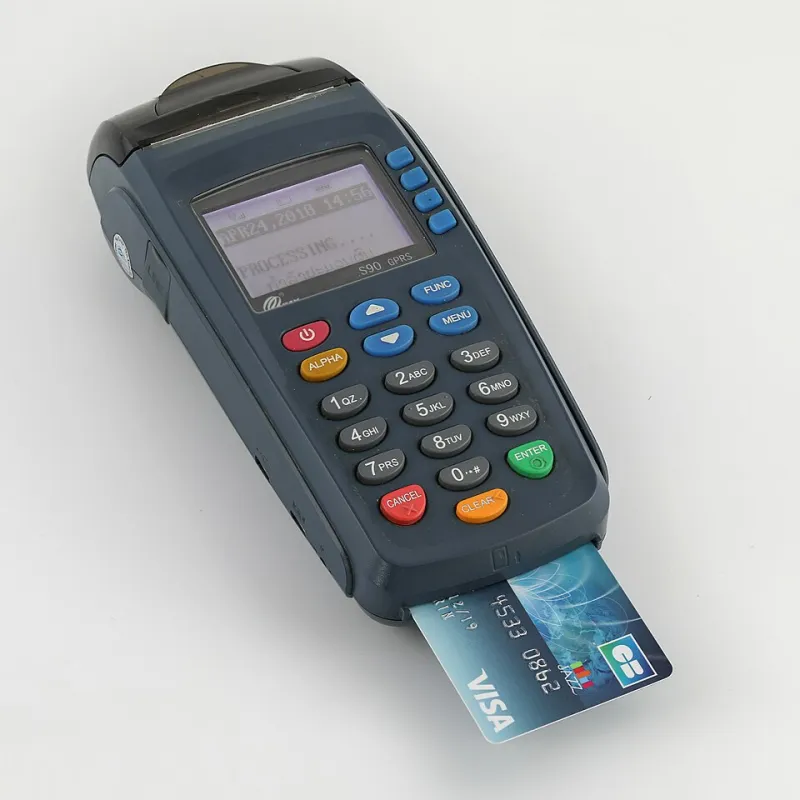
Contactless payment has reduced the need for physical interaction, but chip and PIN remains necessary for higher-value transactions and for customers who prefer it. Card insertion can be difficult for people with limited grip or fine motor control. A terminal that is fixed at an awkward angle makes the task harder. Where possible, staff should be able to lift the terminal or offer a handheld device so the customer can hold it in a comfortable position.
Timeout settings are another practical consideration. A terminal that cancels the transaction too quickly can be frustrating for a customer who needs longer to enter a PIN. Staff should know how to restart the process without making the customer feel at fault. They should also avoid taking the card away to insert it on the customer's behalf unless the customer has asked for that help.
Assistance without assumption
Good assistance begins with a question rather than an assumption. Staff should ask whether a customer would like help, then follow the customer's preference. If a customer asks staff to enter a PIN, that request should be handled discreetly, with the keypad shielded from other customers. If a customer prefers to hold the terminal, staff should let them. If a customer cannot see the screen, staff should read the amount and the prompt clearly.
These behaviours are not complex, but they need to be part of induction and refresher training. Seasonal staff, who may cover busy periods, should be shown where the handheld terminal is kept, how to adjust the stand and how to offer assistance without drawing attention to a customer's needs. A short script at the counter can help: for example, asking whether the customer would like the terminal brought closer or held at a different angle.
A short audit for Bristol shops
A practical review can be completed in under an hour. Measure the height of the fixed terminal and test it from a seated position. Check that the cable allows the terminal to face the customer without stretching. Look for glare from windows and confirm that the screen is readable under normal lighting. Test the audio volume and locate the tactile dot on the keypad. Observe a queue at busy times to see whether customers are reaching across each other or leaning awkwardly. Finally, ask staff whether they know how to offer a handheld alternative and how to assist with a PIN entry discreetly.
Older buildings and narrow counters may limit what can be changed, but they rarely prevent every adjustment. A handheld terminal, a longer cable, a lower side counter or a staff member trained to offer help can make the difference between a completed sale and a customer walking away. In a city where independent shops trade on personal service, an accessible payment point is not an additional burden. It is part of the service itself.