Card Signals in Bristol's Stone Cellars: Terminal Connectivity for Basement Cafés and Period Buildings
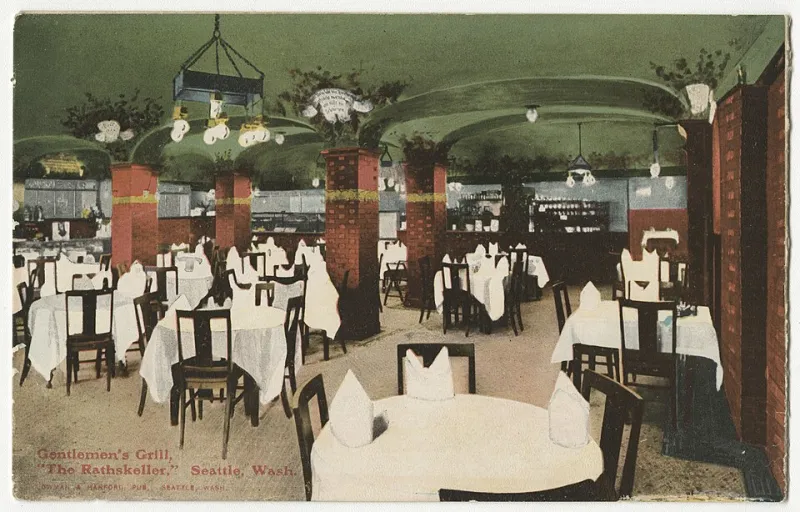
Photo: , Public domain, via Wikimedia Commons
Bristol's older commercial stock includes vaulted cellars, basement cafés and thick-walled Georgian buildings. These spaces add character, but they can also block mobile signals and Wi-Fi. A card terminal that works on the pavement may fail at the counter downstairs. In 2026, terminal choice is therefore a property question as much as a payments question.
Why signals struggle below street level
Stone, brick and metal do not simply make a room feel enclosed; they absorb and reflect radio signals. A basement counter may sit below the street, behind a stone arch and away from windows. Mobile coverage that looks strong outside can disappear inside. Wi-Fi from a router upstairs may reach the till area but drop at the card terminal.
The problem is not always the terminal. It may be the router, the access point, the mobile network, the building layout or the number of devices competing for bandwidth. A proper diagnosis starts at the exact counter position, not at the front door.
Wi-Fi, SIM and Ethernet compared
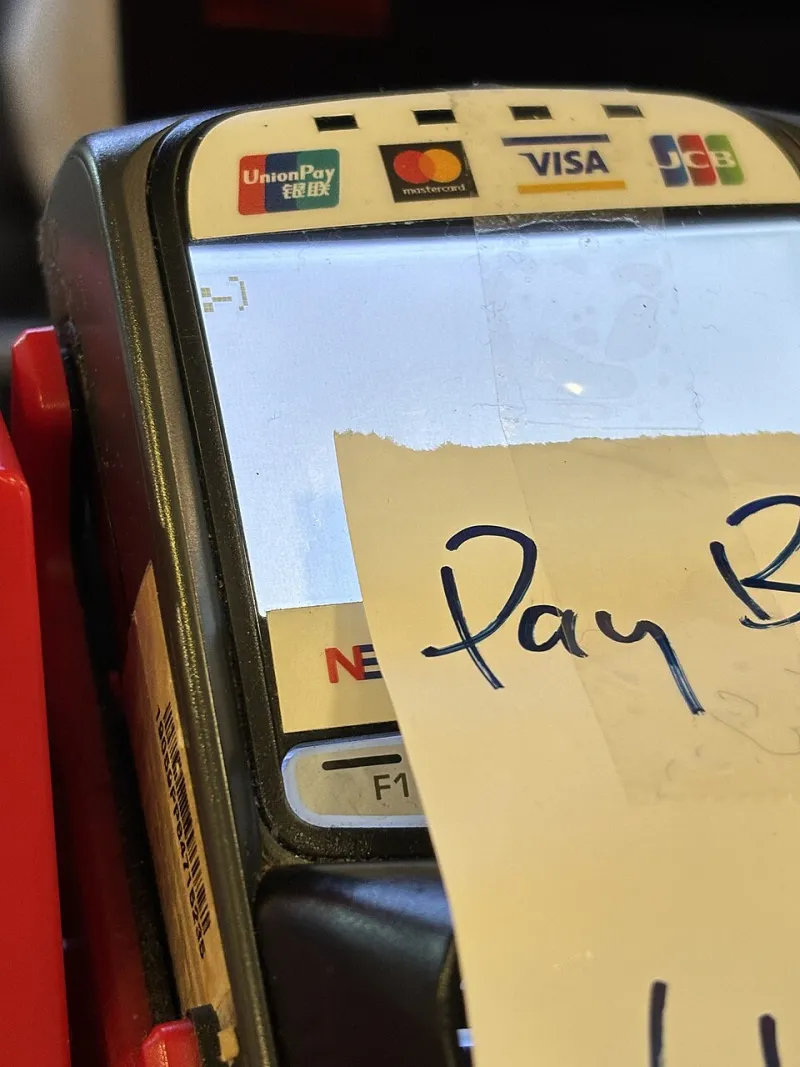
A Wi-Fi terminal uses the business broadband and existing network. It avoids separate data charges and can be quick to install, but it depends on coverage at the counter and on network stability. Basement cafés should check whether the terminal supports the available Wi-Fi band and whether a dedicated access point is needed. Guest Wi-Fi and payment Wi-Fi should not be treated as the same thing.
A SIM terminal uses a mobile network and is independent of the shop's broadband. It can be useful where cabling is impossible or where the business wants a backup route. The critical test is coverage at the precise counter, at busy times, on the network the SIM uses. A multi-network SIM can help, but the contract should state how switching works and what data allowance applies.
An Ethernet terminal connects by cable to the router or network switch. It is usually the most stable option for a fixed counter, but installation may require cabling through old buildings, landlord consent and a sensible route away from kitchen heat, water and damage. For a basement café with a permanent till point, Ethernet is often worth the installation effort.
Some terminals support more than one route, such as Wi-Fi with SIM failover. This can be valuable, but the merchant should confirm whether failover is automatic, how quickly it switches and whether the backup connection carries extra fees.
What offline mode can and cannot do
Offline mode allows a terminal to store transactions when it cannot reach the acquirer, then send them later. It is not a cure for poor connectivity. Offline transactions are usually subject to floor limits and risk checks, and the business may bear the risk if a transaction is later declined. Not every payment type or card supports offline authorisation, and Pay by Bank cannot work offline at all.
Offline mode should be treated as a short-term contingency, not a connectivity strategy. Staff need a clear procedure for when it is used, how transactions are recorded and what happens if the connection does not return.
Failover options for a basement counter
The first step is to improve the primary connection. That may mean an Ethernet cable to the till, a properly placed Wi-Fi access point or a router that can prioritise payment traffic. A SIM terminal or dual-connection terminal can then act as a backup. A small uninterruptible power supply may protect the router and terminal from brief power interruptions.
Businesses should also plan for the customer journey when connectivity fails. A payment link on a phone still needs internet, so it is not a universal fallback. Cash may be an option if the business accepts it. The important point is that staff know what to offer before a queue forms.
Before signing a terminal contract
Test the proposed terminal at the exact counter, at opening time and at the busiest period. Test the mobile networks that the SIM will use and ask for coverage claims in writing. Confirm whether the terminal uses Wi-Fi, Ethernet, SIM or a combination, and whether the SIM data allowance is included or capped.
Ask about offline floor limits, who carries the risk of offline transactions and how failover is activated. Check installation costs, cabling permissions, contract length, exit fees and replacement times for faulty units. For listed or period buildings, confirm what cabling or external equipment is permitted before work begins.
Finally, review the setup after a month of trading. A basement café may find that one corner of the counter is reliable while another is not. The right terminal contract is the one that reflects the building's real constraints, not the one that works only in the sales demonstration.